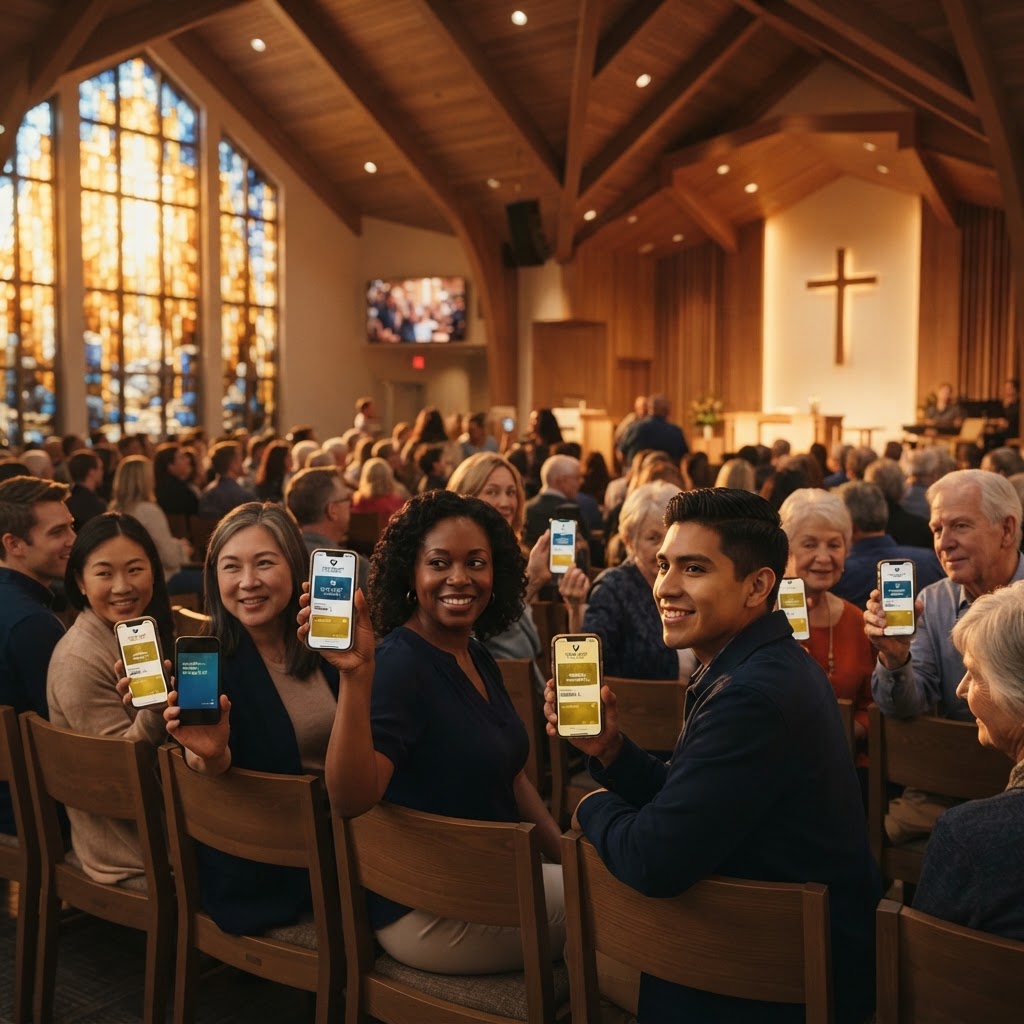
A digital welcome center doesn't require a big budget or a tech team. Here's how to set one up in 30 minutes using tools you already have.
Your church's welcome experience is the first impression visitors have of your ministry. A digital welcome center transforms that experience from a paper-and-handshake affair into a modern, frictionless, and memorable interaction. The best part? You can set one up in under 30 minutes using tools that are affordable and accessible to any church. Here's how.
What Is a Digital Welcome Center?
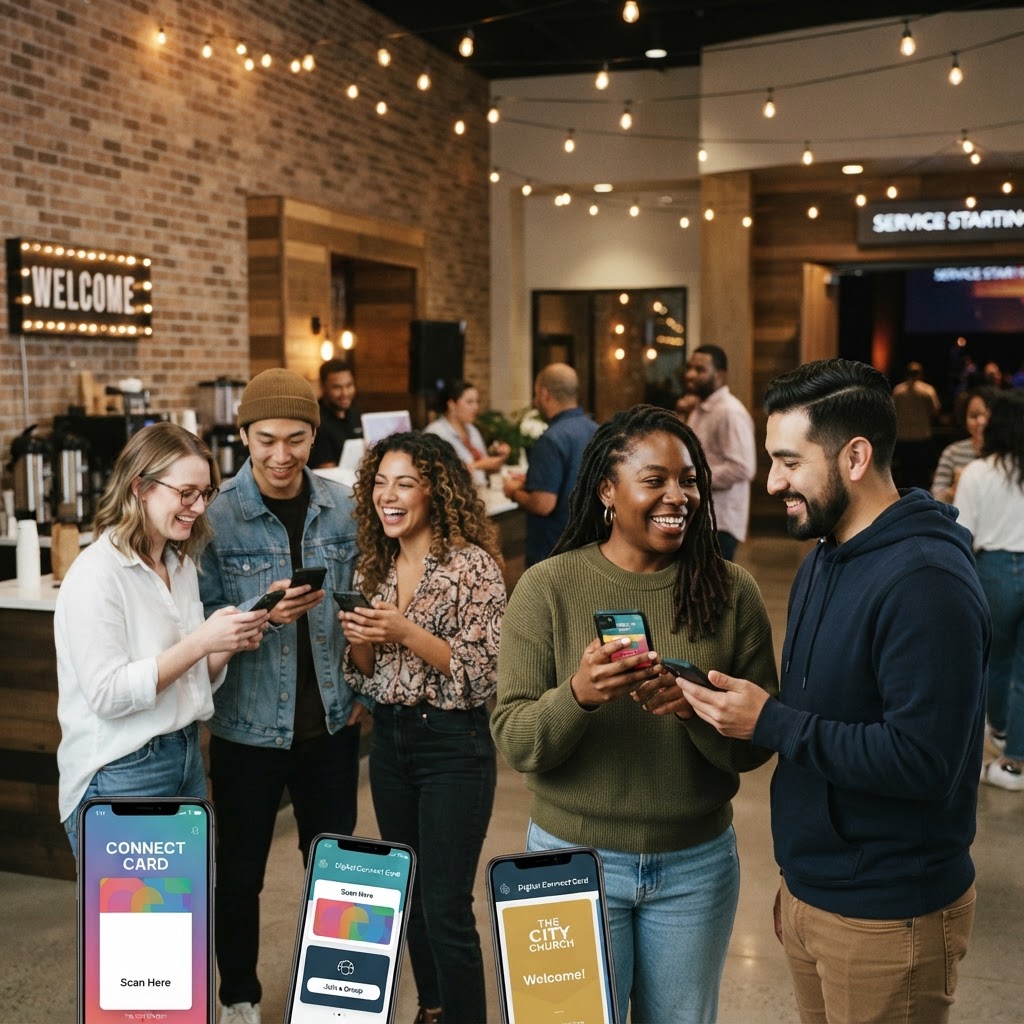
A digital welcome center is a physical space in your church lobby — a desk, table, or kiosk — that uses QR codes and digital cards to connect visitors with your church. Instead of handing visitors a paper welcome packet, you display QR codes that link to digital resources: a welcome card, staff directory, giving page, and event registration.
The digital welcome center replaces paper packets, connection cards, and brochures with a single, elegant system that visitors access on their own smartphones. It's cheaper, more engaging, and far more effective at capturing visitor information.
What You'll Need
- A digital membership card platform (like Ministry Cards) with a welcome card and staff directory
- A tablet or smartphone to display QR codes (optional — printed QR codes work too)
- A table or desk in your church lobby
- A simple sign that says 'Welcome! Scan to connect with us'
- 30 minutes of setup time
Step 1: Create Your Digital Welcome Card (10 Minutes)
Your digital welcome card is the centerpiece of your welcome center. It should include:
- A warm welcome message from your senior pastor
- Service times and church address
- Links to your church website and social media
- Action buttons: 'Plan Your Visit,' 'Join a Small Group,' 'Give Online,' 'Submit a Prayer Request'
- A simple connection form to capture the visitor's name, email, and phone number
Most digital card platforms let you create a welcome card in minutes. Choose a template that matches your church's branding, add your content, and publish. The platform will generate a unique URL and QR code for the card.
Step 2: Generate and Display QR Codes (5 Minutes)
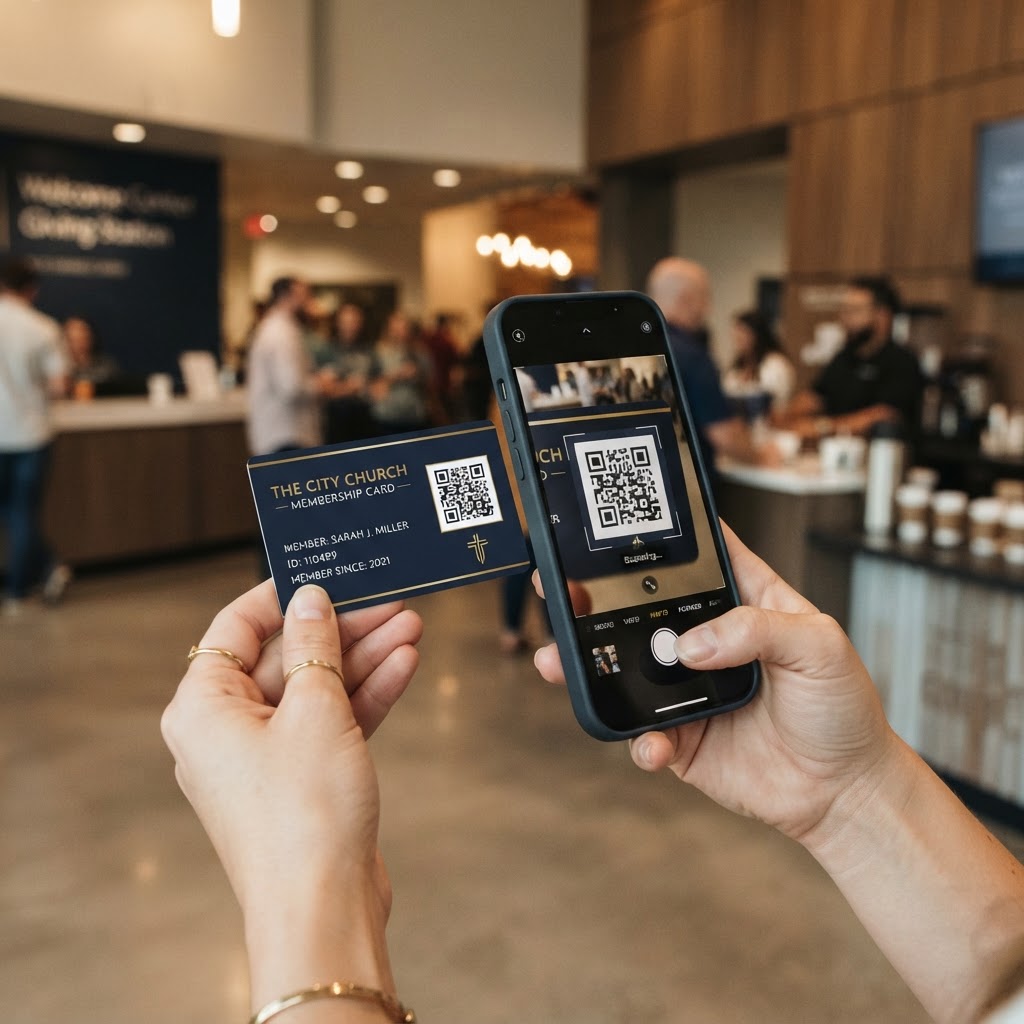
Once your welcome card is published, generate a QR code that links to it. Display this QR code prominently at your welcome center:
- On a table tent or sign at the welcome desk
- On a banner behind the welcome center
- On printed materials (bulletins, connection cards) as a backup
- On a tablet or screen displaying the QR code in large format
Make sure the QR code is large enough to scan from a few feet away and that it's well-lit. Test it with your own phone before Sunday to make sure it works.
Step 3: Set Up Automated Follow-Up (10 Minutes)
When a visitor scans the QR code and fills out the connection form on your welcome card, their information should trigger an automated follow-up sequence. Set up:
- An immediate confirmation email thanking them for visiting
- A text message within 24 hours from a pastor or staff member
- An email within 48 hours with information about upcoming events and next steps
- A link to the senior pastor's digital membership card so they can save contact information
This automated follow-up ensures that every visitor receives a timely, personal response — even if your staff is busy with other Sunday morning responsibilities.
Step 4: Train Your Welcome Team (5 Minutes)
Your welcome team doesn't need to be tech experts. Train them on a simple script:
'Welcome to our church! If you'd like to learn more about us, scan this QR code with your phone camera. It'll open our digital welcome card where you can find service times, meet our staff, and let us know how we can serve you.'
That's it. The QR code does the heavy lifting; the welcome team just needs to invite people to scan it. Most visitors will be impressed by the convenience and professionalism.
Step 5: Add Staff Digital Cards (Optional, 5 Minutes)
If you have digital membership cards for your pastoral staff, display their QR codes alongside the welcome card. Visitors can scan a pastor's QR code to view their digital card and save their contact information directly to their phone with one tap.
This creates an immediate, personal connection. The visitor leaves with the pastor's contact information saved on their phone — not on a scrap of paper that gets lost.
What You Get for 30 Minutes of Work
In half an hour, you've created a welcome experience that:
- Captures visitor contact information automatically — no paper forms, no manual data entry
- Provides visitors with everything they need on their phone — service times, staff contacts, giving links
- Triggers automated follow-up within 24 hours — every visitor, every time
- Looks professional and modern — signaling that your church is organized and welcoming
- Costs almost nothing — no printing, no packets, no ongoing material costs
Beyond Sunday Morning
Your digital welcome center doesn't just serve Sunday visitors. The same QR codes and digital cards can be displayed at community events, outreach programs, and even on printed materials like mailers and yard signs. Every scan creates a connection point that extends your church's reach beyond its walls.
A digital welcome center is one of the highest-ROI, lowest-effort upgrades you can make to your church's visitor experience. In 30 minutes, you can transform your welcome from paper to digital — and reap the benefits for years to come.