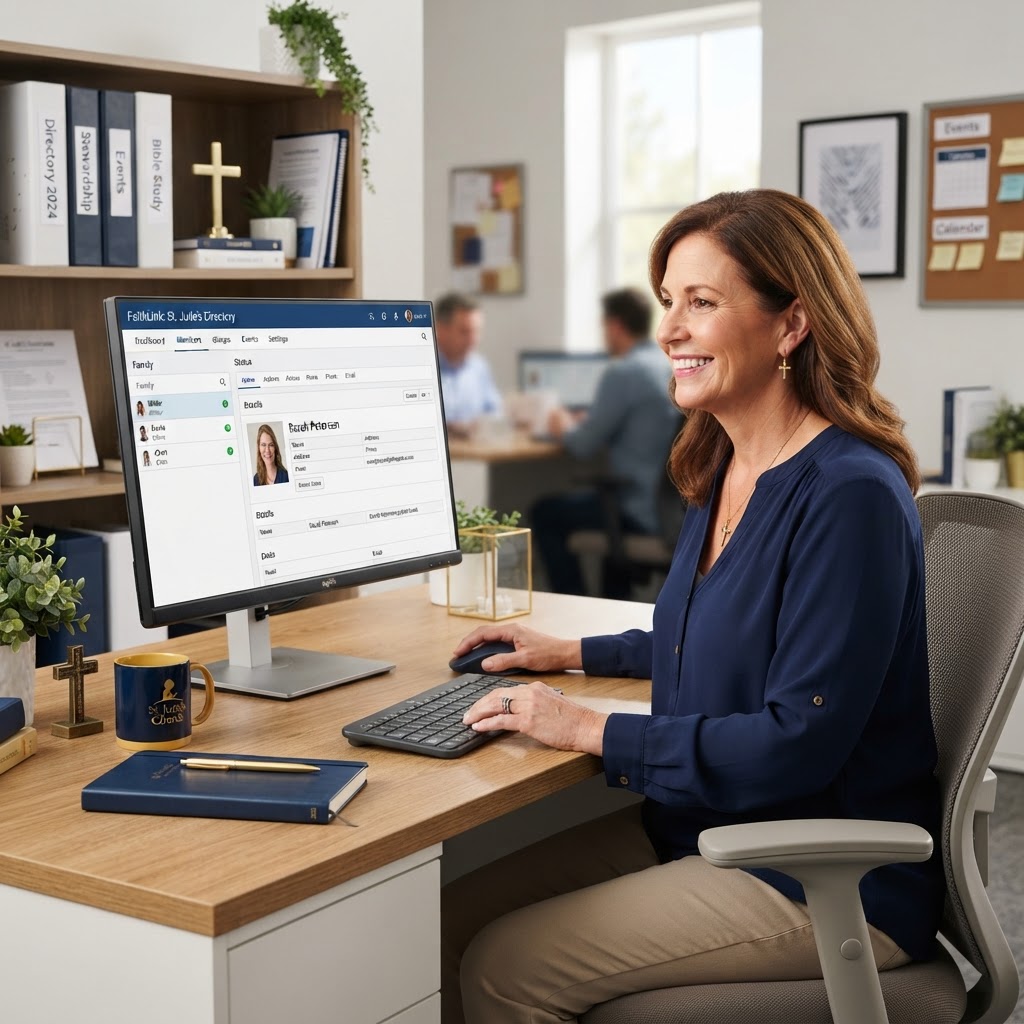
Not all church member directory software is created equal. This guide helps you evaluate features, pricing, and usability so you can pick the right tool for your church.
Church member directory software has become an essential tool for modern ministries. With so many options available, choosing the right one can feel overwhelming. This guide breaks down the key features, pricing considerations, and evaluation criteria to help you select the best directory software for your church.
What Is Church Member Directory Software?
Church member directory software is a digital platform that allows churches to create, manage, and share a centralized directory of their members and staff. Unlike a simple spreadsheet or printed booklet, directory software provides a searchable, mobile-optimized interface that members can access anytime, from any device.
Modern directory software goes beyond a simple contact list. The best platforms integrate with digital membership cards, provide analytics on directory usage, and offer customizable branding that matches your church's visual identity.
Key Features to Look For
Search and Filter
Members should be able to search by name, role, or department. If someone needs to find the youth pastor, they shouldn't have to scroll through the entire staff list. A good search function saves time and reduces frustration.
Individual Profile Pages
Each person in the directory should have their own profile page with a photo, name, title, contact information, and a brief bio. This gives members context about who they're contacting and why.
Mobile Optimization
Most members will access the directory from their phone. The software should be fully responsive, with a mobile interface that's as polished and functional as the desktop version.
Branding and Customization
The directory should match your church's brand. Look for software that allows you to set theme colors, upload your logo, and choose fonts that align with your visual identity.
QR Code Access
QR codes make it easy for members to access the directory without typing a long URL. Display a QR code on bulletins, signage, and welcome materials so anyone can open the directory with a quick scan.
Analytics
Understanding how members use the directory is valuable. Look for software that shows which profiles are viewed most, how many people access the directory, and what devices they use. This data helps you optimize the directory and understand engagement patterns.
Integration with Digital Cards
The best directory software integrates with digital membership cards. When a member views a staff member's profile in the directory, they should be able to save that person's contact information to their phone with a single tap. This seamless integration between directory and card is what sets modern platforms apart.
Pricing Considerations
Directory software pricing varies widely. Some platforms charge per member, which can get expensive for large churches. Others offer flat-rate pricing based on church size or plan tier. When evaluating cost, consider not just the monthly or annual fee, but also setup costs, training time, and any additional fees for features like analytics or custom branding.
Ministry Cards offers directory functionality as part of its platform, with pricing tiers based on congregation size. This means the directory, digital cards, and analytics are all included in one subscription — no surprise add-on fees.
What to Avoid
- Software that requires members to create an account or download an app just to view the directory
- Platforms that don't offer mobile optimization — if it doesn't work on a phone, it won't get used
- Tools that charge per member, which penalizes growing churches
- Software with no analytics — you can't improve what you can't measure
- Platforms that don't allow branding customization, leaving your directory looking generic
- Tools that store sensitive member data without clear privacy policies
Implementation Tips
Once you've chosen your software, implementation is key. Start with your pastoral staff and ministry leaders — get their profiles created first, since these are the people members will look for most. Ensure photos are professional and consistent. Write brief, meaningful bios for each person. And promote the directory aggressively once it's live — a directory that nobody knows about won't get used.
Making the Right Choice
Choosing the right church member directory software comes down to understanding your church's needs and finding a platform that meets them. Prioritize ease of use, mobile optimization, branding, and integration with digital cards. Avoid platforms that add friction — like mandatory app downloads or per-member pricing. The right tool should make connection easier, not more complicated.
Take the time to evaluate your options, request demos, and talk to other churches about their experiences. The right directory software will serve your church for years to come, helping members connect with leadership and each other in ways that printed directories never could.