Planning a church retreat or conference? Digital tools can streamline registration, check-in, communication, and follow-up. Here's how to transform your church events.
Church events — retreats, conferences, vacation Bible school, community outreach — are powerful moments of connection and spiritual growth. But they're also logistical challenges that can overwhelm even the most organized church staff. From registration and check-in to communication and follow-up, every step involves dozens of moving parts. Digital tools are transforming church event management, making it easier to plan, execute, and measure the impact of your events.
The Challenges of Traditional Church Event Management
Traditional church event management relies on paper sign-up sheets, spreadsheet tracking, manual check-in, and word-of-mouth communication. These methods are familiar but fraught with problems:
- Paper sign-up sheets are easily lost and require manual data entry
- Spreadsheet tracking creates data silos that aren't accessible to the whole team
- Manual check-in creates bottlenecks and long lines at event entry
- Communication relies on email and phone calls, which are easy to miss
- Post-event follow-up is often inconsistent or nonexistent
- No analytics or data to measure event success and improve future events
How Digital Tools Transform Each Stage of Event Management
Stage 1: Registration and Ticketing
Digital registration replaces paper sign-up sheets with online forms that attendees can fill out from any device. The data flows directly into your event management system — no manual data entry, no lost sign-up sheets. Attendees receive automatic confirmation emails with event details, and you get a real-time headcount that helps with catering, seating, and resource planning.
For paid events, integrate a digital payment system that allows attendees to pay during registration. This eliminates the need to collect checks or cash at the door and provides a seamless experience for attendees.
Stage 2: Pre-Event Communication
Once someone registers, automated communication sequences keep them informed and engaged. Set up a series of emails or text messages:
- Immediate confirmation email with event details and a digital calendar invite
- One week before: reminder email with packing list, schedule, and logistics
- Two days before: text message reminder with check-in instructions
- Day of: welcome text with a QR code for fast check-in
- Post-event: thank-you email with event highlights and next steps for connection
Stage 3: Check-In and Attendance
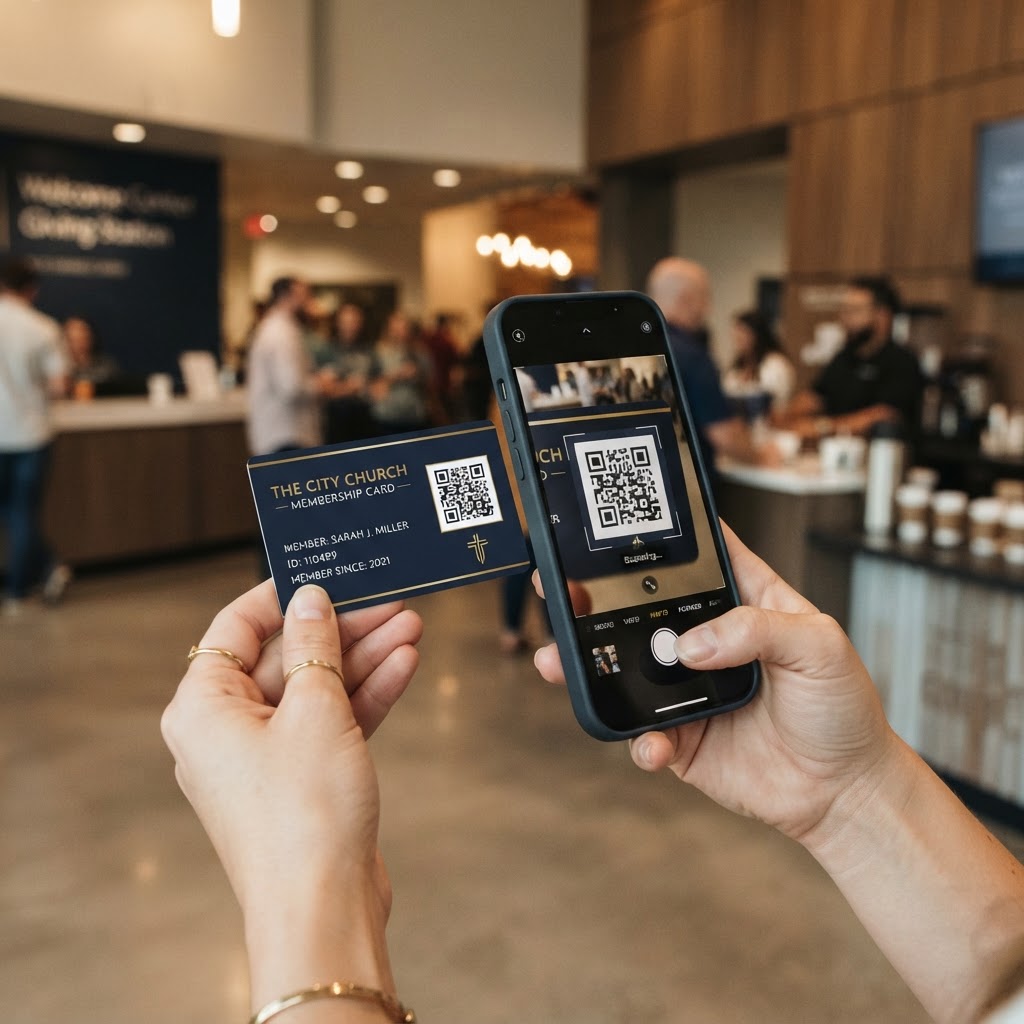
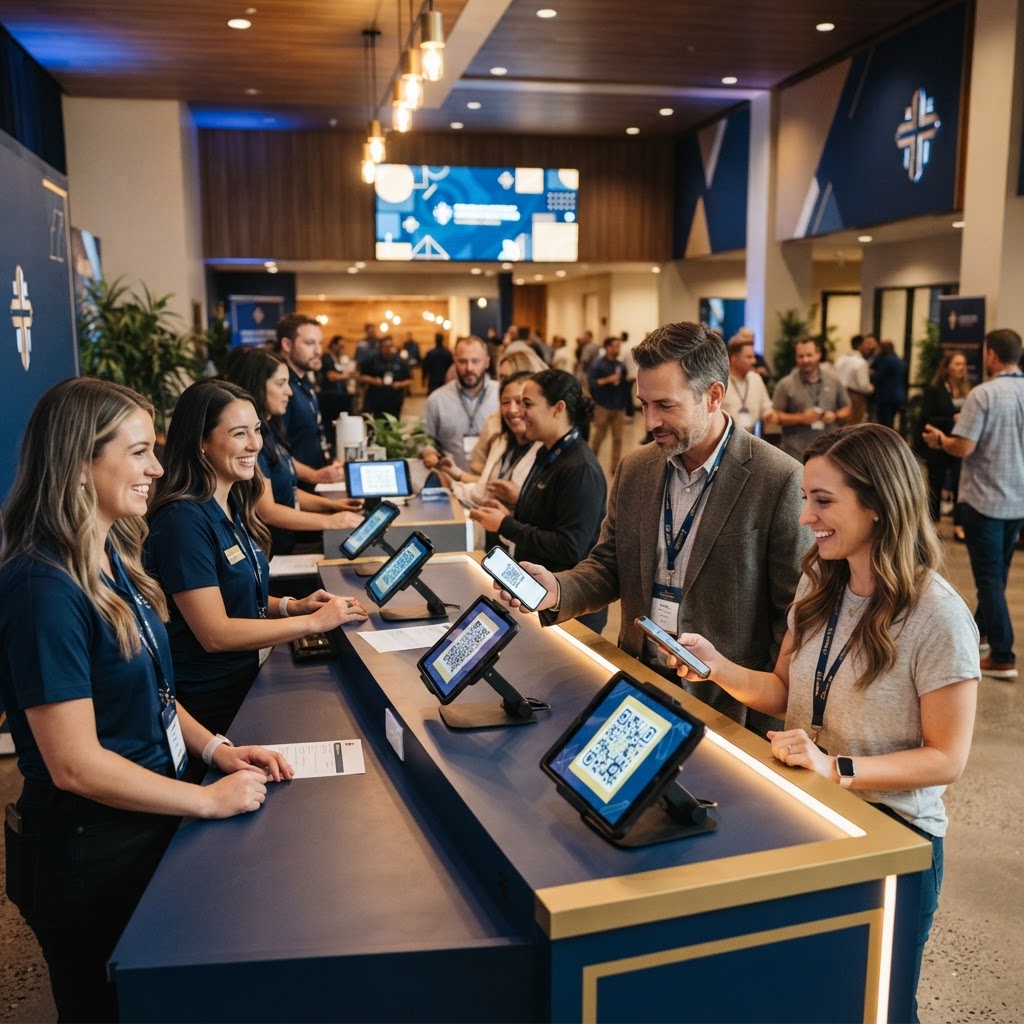
Digital check-in transforms the event entry experience. Instead of searching through printed lists, use QR code check-in. Each registrant receives a unique QR code in their confirmation email. At the event, they simply scan their code at a check-in station, and their attendance is instantly recorded.
For walk-in registrations, have a tablet or laptop available for on-site sign-up. The data flows into the same system, so you have a complete attendance record regardless of whether someone pre-registered or showed up at the door.
Stage 4: During the Event
During the event, digital tools enhance the attendee experience in several ways:
- Display QR codes on signage that link to digital event schedules and maps
- Include QR codes on presentation slides that link to supplemental resources
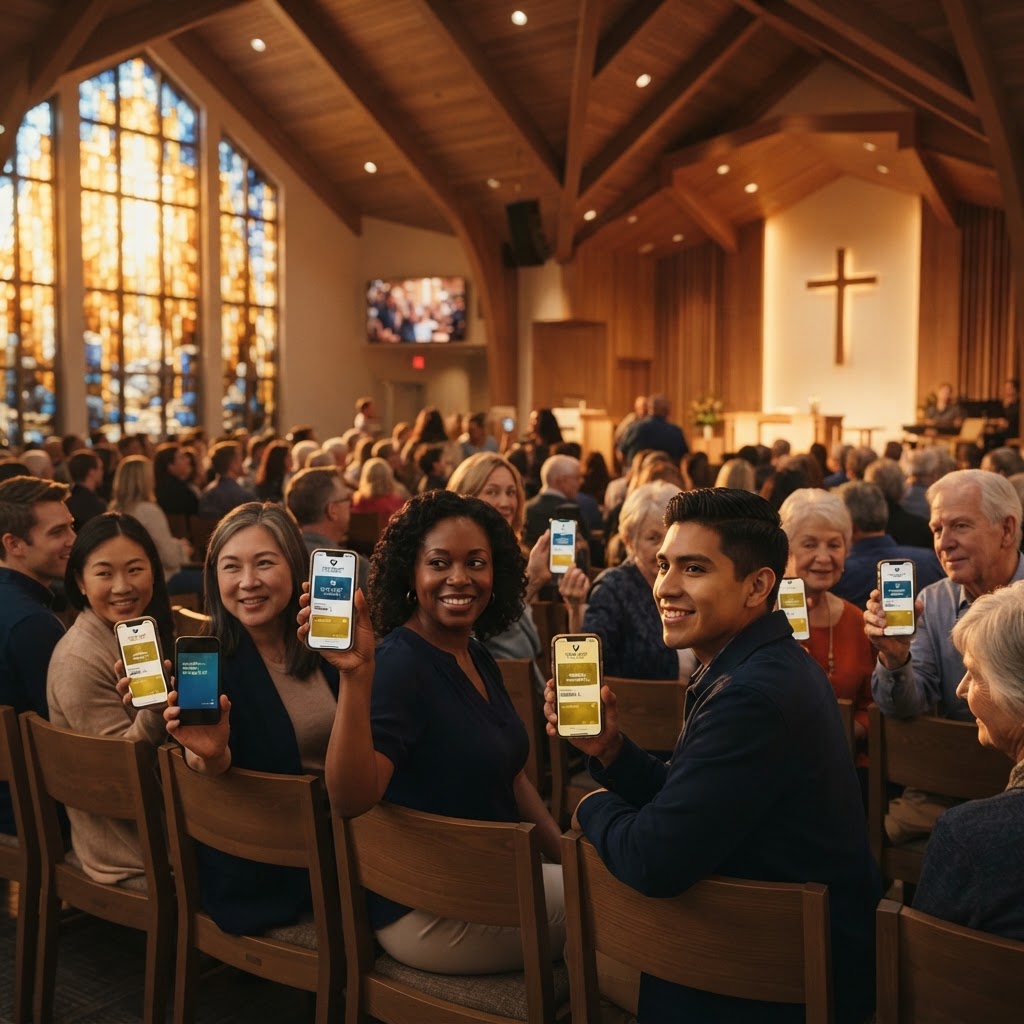
- Use digital membership cards for event speakers and leaders so attendees can save their contact information
- Send real-time text updates about schedule changes or room assignments
- Provide a digital feedback form that attendees can access via QR code during or after sessions
Stage 5: Post-Event Follow-Up
The event doesn't end when the last attendee leaves. Post-event follow-up is critical for building lasting connections and measuring success. Digital tools make follow-up systematic and measurable:
- Send automated thank-you emails within 24 hours of the event
- Include links to event resources, recordings, and speaker digital cards
- Distribute a digital feedback survey via email or text
- Send follow-up content related to the event theme (devotionals, articles, videos)
- Track which attendees engage with follow-up content to identify the most interested participants
- Invite attendees to join a small group or upcoming event based on their event interests
Using Digital Membership Cards at Events
Digital membership cards are particularly valuable at church events. Here's how to leverage them:
Speaker and Leader Cards
Give every event speaker, workshop leader, and ministry leader a digital membership card. Display QR codes on their presentation slides or at their session locations. Attendees can scan the code and save the speaker's contact information with one tap, making it easy to follow up with questions or continue the conversation after the event.
Event Welcome Card
Create a digital welcome card specifically for the event. This card can include the event schedule, venue map, Wi-Fi password, emergency contact information, and action buttons for common event needs: 'View Full Schedule,' 'Find a Small Group,' 'Submit a Question,' or 'Give to This Event.'
Connection Cards
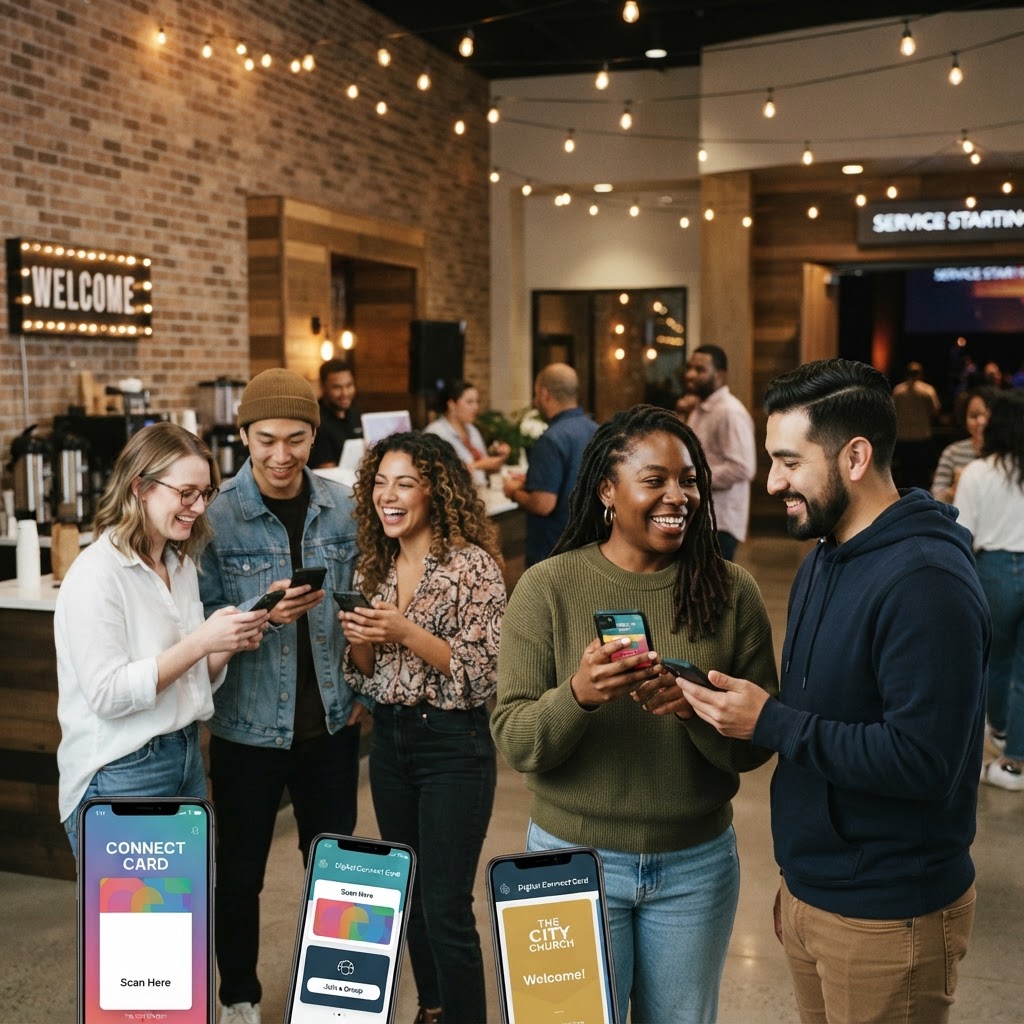
Replace paper connection cards with digital versions. Attendees scan a QR code, fill out a brief form on their phone, and their information is instantly available to your follow-up team. This is particularly valuable for events designed to attract new visitors — the data capture is immediate, and follow-up can begin the same day.
Measuring Event Success with Analytics
Digital tools provide data that transforms how you evaluate event success. Track these key metrics:
- Registration numbers vs. actual attendance — no-show rate helps you plan better for future events
- Check-in time — how long it takes to process attendees through digital check-in
- QR code scans — how many attendees accessed digital resources during the event
- Digital card views — how many people viewed speaker or event welcome cards
- Feedback survey response rate — what percentage of attendees completed the post-event survey
- Post-event engagement — how many attendees engaged with follow-up content or took next steps
- Cost per attendee — total event cost divided by attendance, helps with budget planning
Choosing the Right Event Management Tools
When selecting digital tools for church event management, look for:
- Online registration with custom form fields
- Digital payment integration for paid events
- QR code check-in capability
- Automated email and text communication sequences
- Digital membership card creation for speakers and leaders
- Analytics dashboard for attendance, engagement, and feedback
- Integration with your church management system
- Mobile-friendly interface for on-site staff
Real-World Example: A Church Retreat
Consider a church planning its annual retreat for 150 attendees. With traditional methods, registration involves paper forms, manual data entry, and spreadsheet tracking. Check-in requires printed lists and a line of people. Communication relies on emails that many attendees don't read. Post-event follow-up is inconsistent.
With digital tools, the same retreat runs smoothly: 140 of 150 attendees register online and pay digitally. Each receives a unique QR code for check-in. Pre-event communication is automated. At the retreat, check-in takes seconds per person via QR scan. Speakers have digital cards that attendees can save. Post-event, automated follow-up emails go out within 24 hours, and analytics show that 85% of attendees engaged with follow-up content — a measurable indicator of the retreat's impact.
The Future of Church Event Management
As digital tools continue to evolve, church event management will become even more streamlined and data-driven. The churches that adopt these tools today will be better positioned to host events that not only run smoothly but also build lasting connections with attendees. By replacing paper-based processes with digital alternatives, you free up your team to focus on what matters most: creating meaningful, transformative experiences for your community.
Whether you're planning a retreat for 30 people or a conference for 300, digital tools — from online registration to QR code check-in to digital membership cards — transform every stage of the event lifecycle. The result is a better experience for attendees, less stress for organizers, and measurable data that helps you improve with every event.